Updating Payment Information
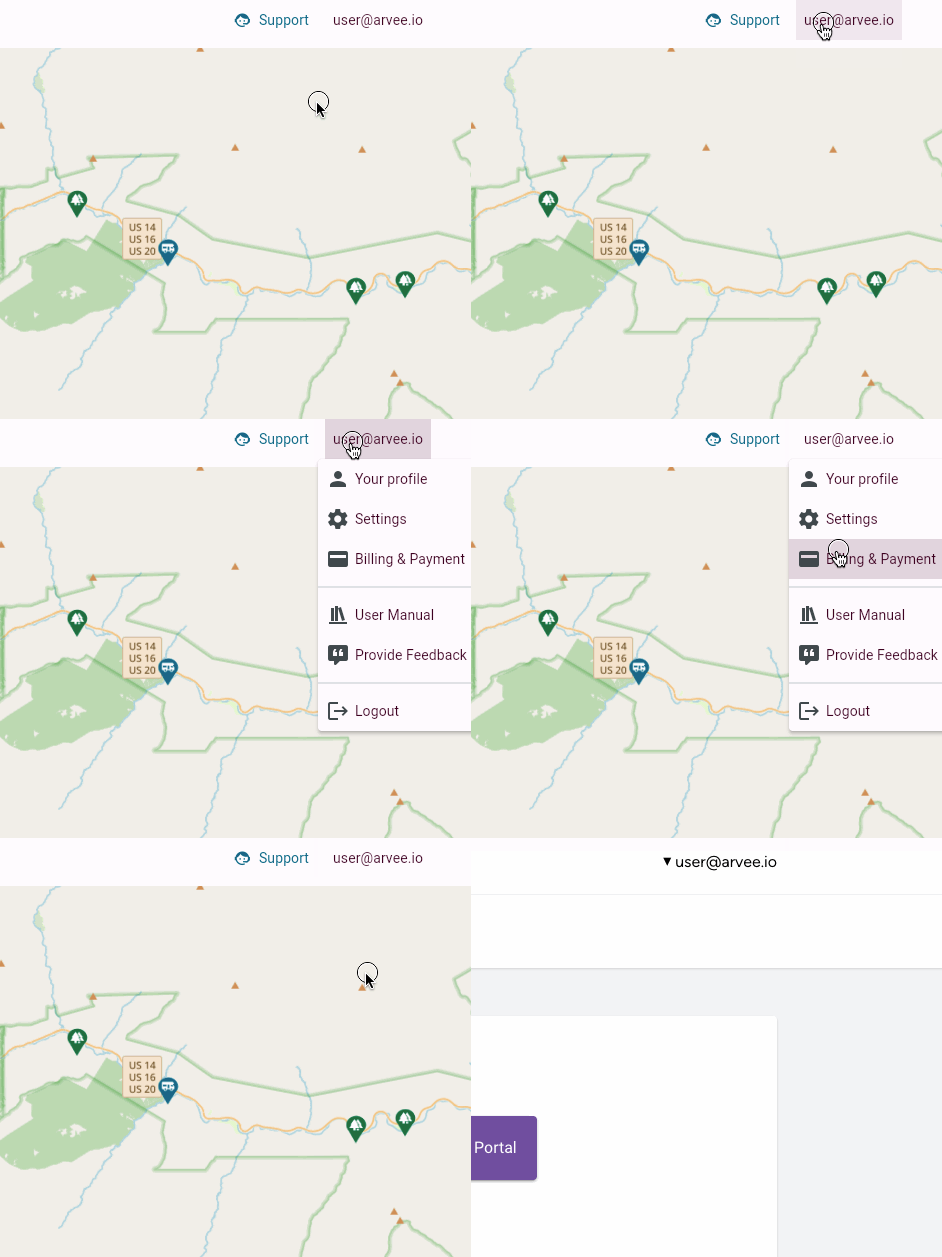
If you need to update the billing information for your account, you can do
so from the Billing Portal. To access the Billing Portal from the application,
click on your email address and then click on Billing & Payment:
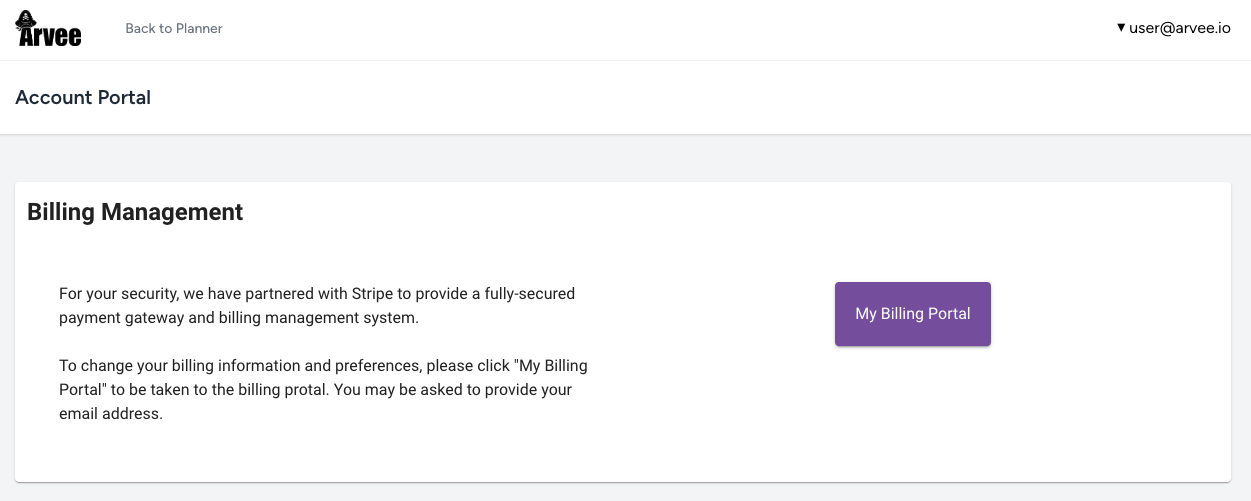
This will take you to a screen where you can open your billing portal, provided
by our secure third-party payment provider. Simply click on My Billing Portal
to open the portal: